
Remove Backgrounds from Any Image Step by Step
Upload a photo, let AI detect the subject, and export a clean image with a transparent, white, or custom background.
Drop your image here
or click to browse files
By uploading an image you agree to our Terms and Privacy Policy
How to Remove a Background from an Image
Upload your image, let AI isolate the subject, then download a clean result for design, e-commerce, social media, or presentations.
Upload Your Image
Drag and drop your photo or click to browse. Supports JPG, PNG, and WEBP formats up to 10MB with instant preview.
AI Processing
Our advanced AI analyzes your image and precisely removes the background in seconds with professional quality results.
Download Result
Get your transparent PNG instantly. Perfect for e-commerce, social media, or any creative project you have in mind.
What Happens When You Remove an Image Background
Background removal separates the main subject from the surrounding scene. Instead of manually tracing edges, AI detects the object, person, product, or graphic and prepares it for a cleaner output.
Try it now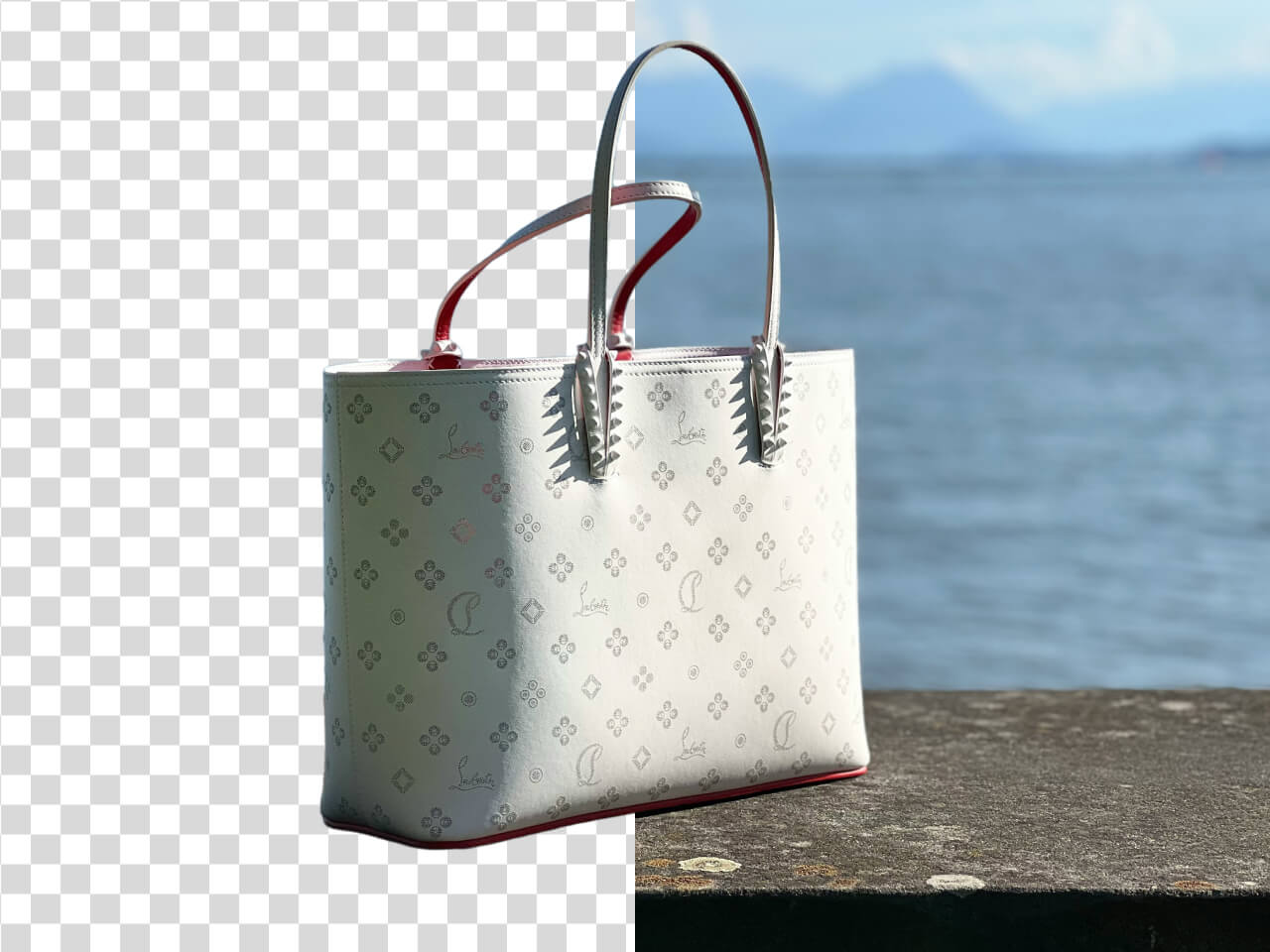
Best Image Types for Background Removal
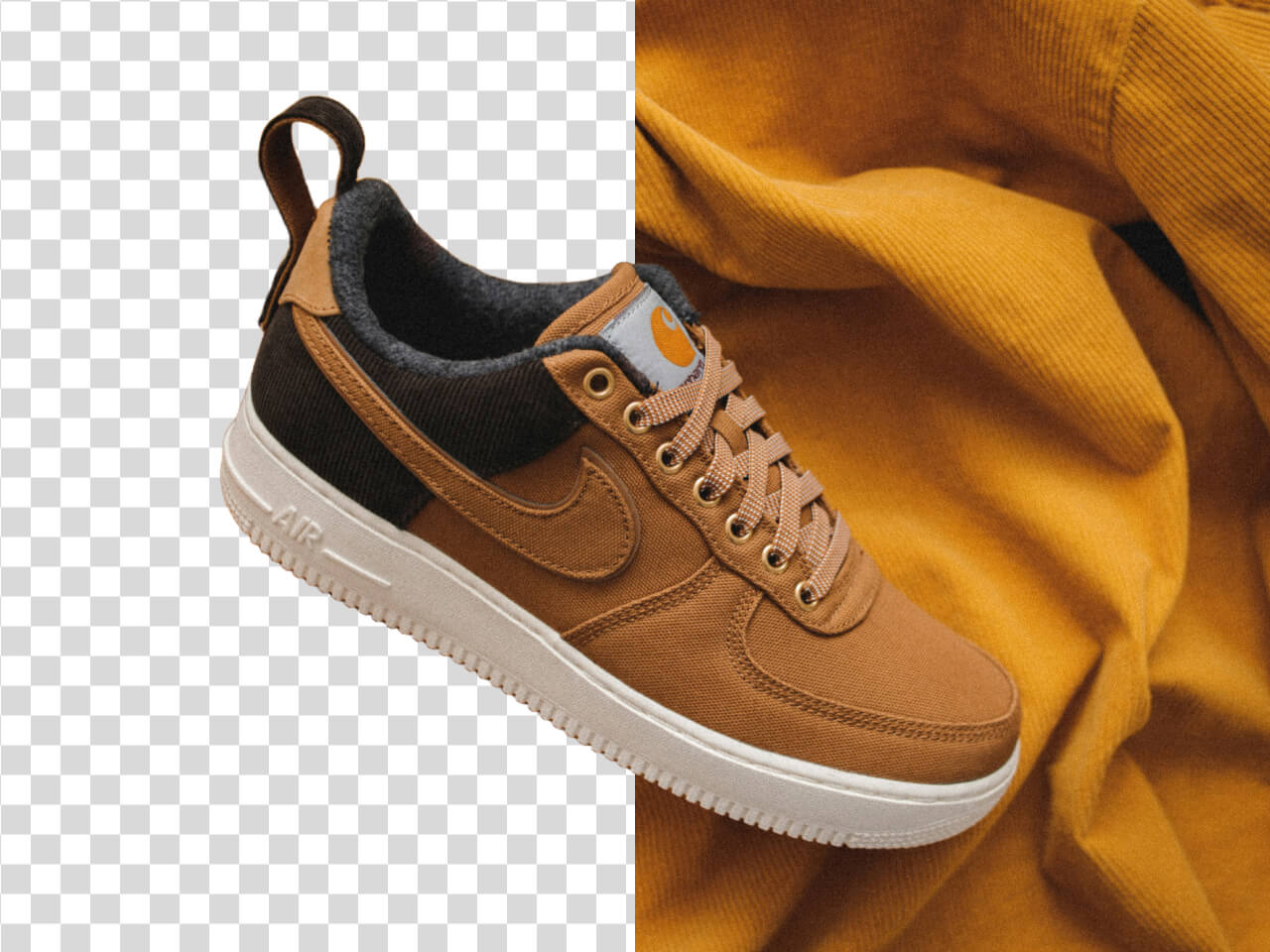
This workflow works well for product photos, portraits, logos, graphics, profile images, social media visuals, and marketplace images where the subject needs to stand apart from the original background.
What to Do After Removing the Background
After the background is removed, you can export a transparent PNG, add a white product background, create a social post, build an ad creative, or reuse the image in a presentation or design layout.
Start now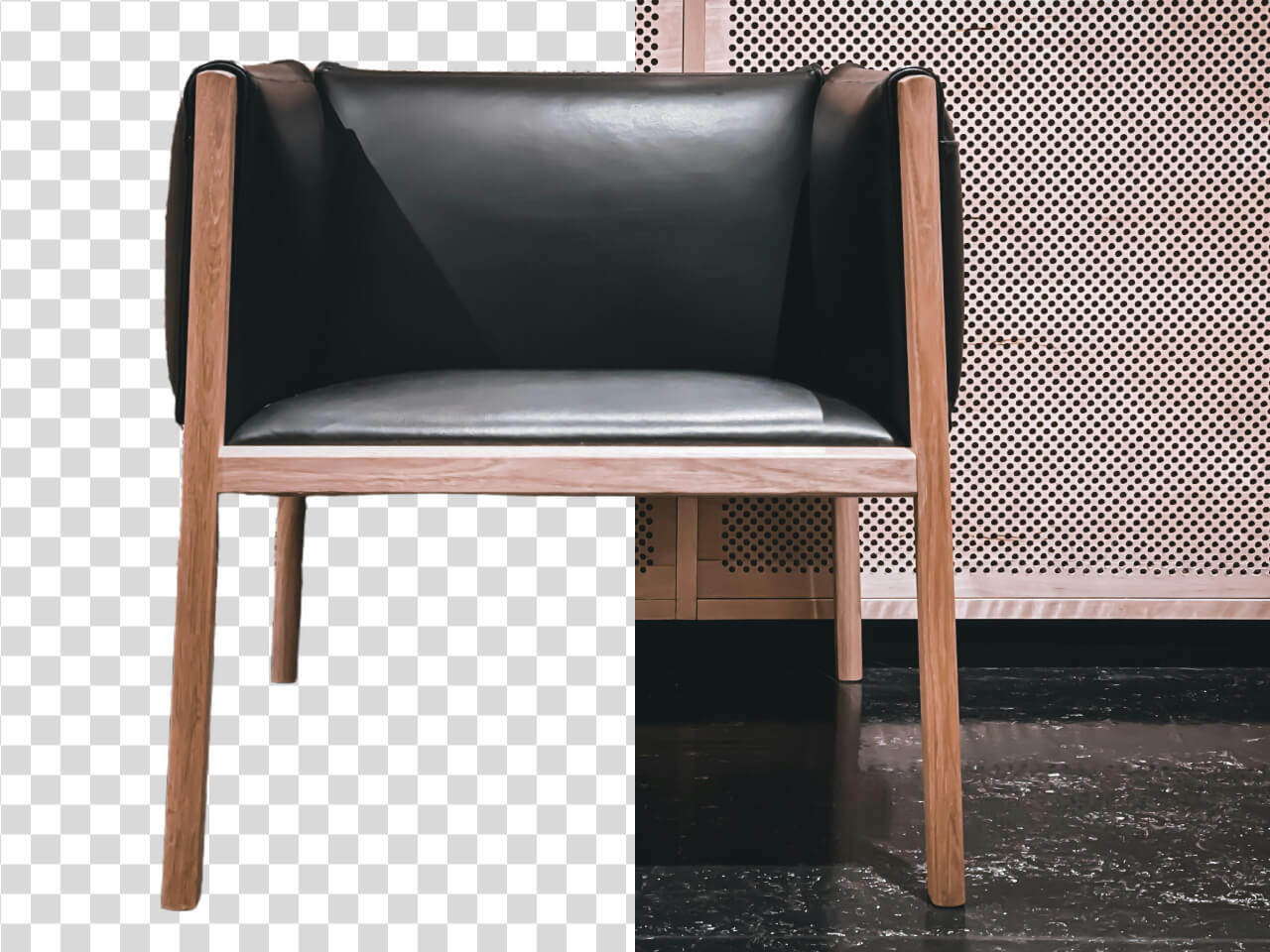
Why This Background Removal Guide Helps Beginners
A clear step-by-step workflow helps users remove backgrounds without Photoshop, manual masking, or complex editing skills.
Beginner-friendly workflow
Remove backgrounds without advanced editing tools
This guide is designed for users who want a simple way to clean up images without learning manual masking or complex photo editing software.
Works for many image types
Useful for products, portraits, logos, and graphics
The workflow can support common background removal needs across e-commerce, social media, brand assets, and personal images.
Clean subject isolation
Separate the main subject from the original scene
AI helps detect the subject and remove the background so the final image is easier to reuse in different layouts.
Transparent PNG output
Create flexible assets for design and web use
Transparent exports are useful when you want to place the image on a new background, product page, banner, or creative layout.
No manual masking
Avoid time-consuming edge tracing and selection tools
AI background removal reduces the need for manual selections, helping users move from upload to usable output faster.
Ready for multiple uses
Use the result in stores, ads, social posts, and presentations
Once the background is removed, the image becomes easier to adapt for commerce, marketing, design, and content workflows.
Remove an Image Background Now
Follow a simple AI workflow to create clean background-free images for design, stores, social content, and more.