
Best AI Background Remover for Clean, E-commerce-Ready Images
Learn what to look for in an AI background remover, from edge precision and subject detection to product consistency and export flexibility.
Drop your image here
or click to browse files
By uploading an image you agree to our Terms and Privacy Policy
How to Choose an AI Background Remover
Evaluate background removal tools by edge quality, speed, image type support, product detail preservation, and output options.
Upload Your Image
Drag and drop your photo or click to browse. Supports JPG, PNG, and WEBP formats up to 10MB with instant preview.
AI Processing
Our advanced AI analyzes your image and precisely removes the background in seconds with professional quality results.
Download Result
Get your transparent PNG instantly. Perfect for e-commerce, social media, or any creative project you have in mind.
What Makes an AI Background Remover the Best
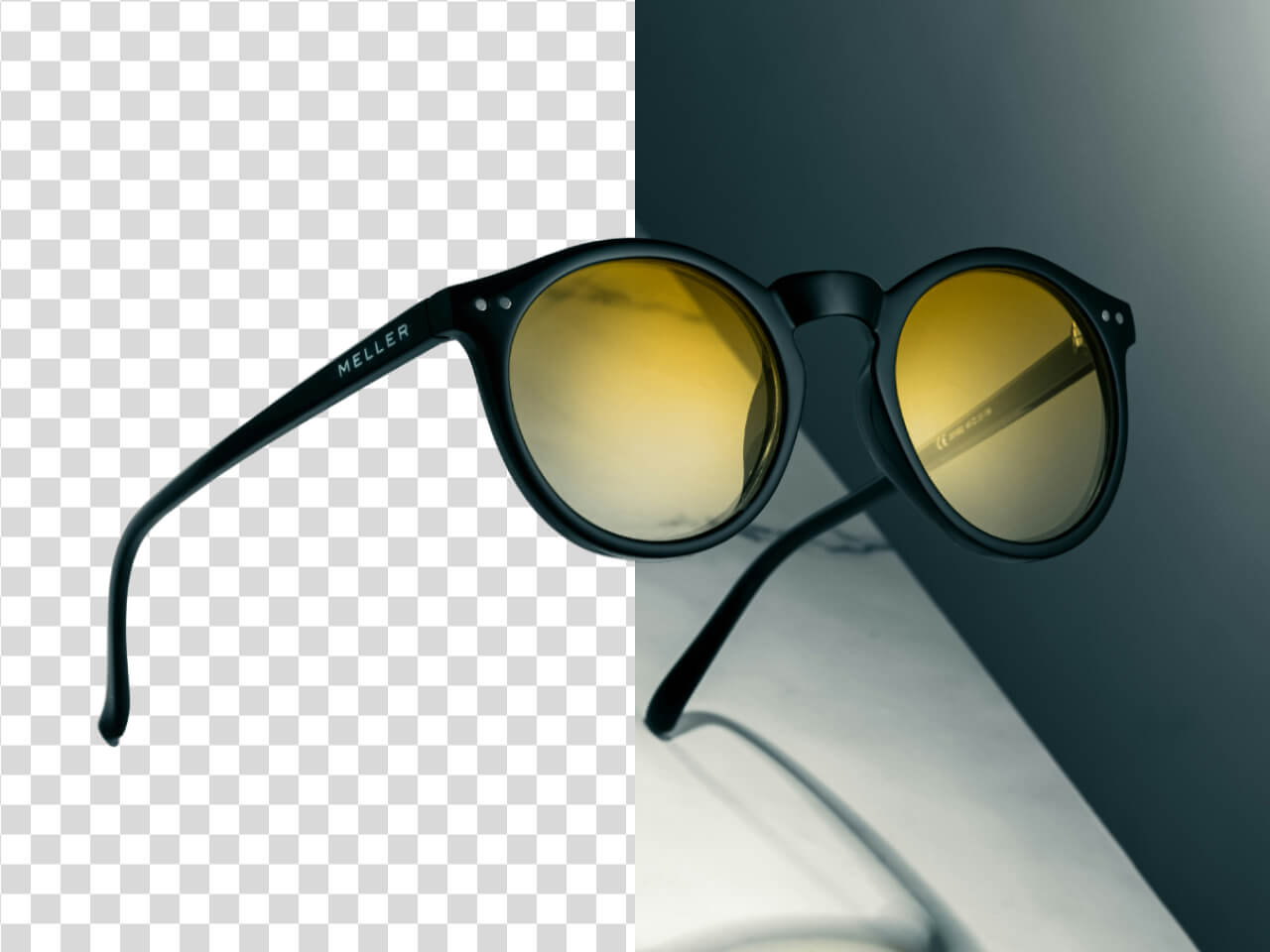
The strongest AI background removers combine accurate subject detection, clean edge handling, fast processing, and reliable exports so users can prepare images without manual retouching.
Try it now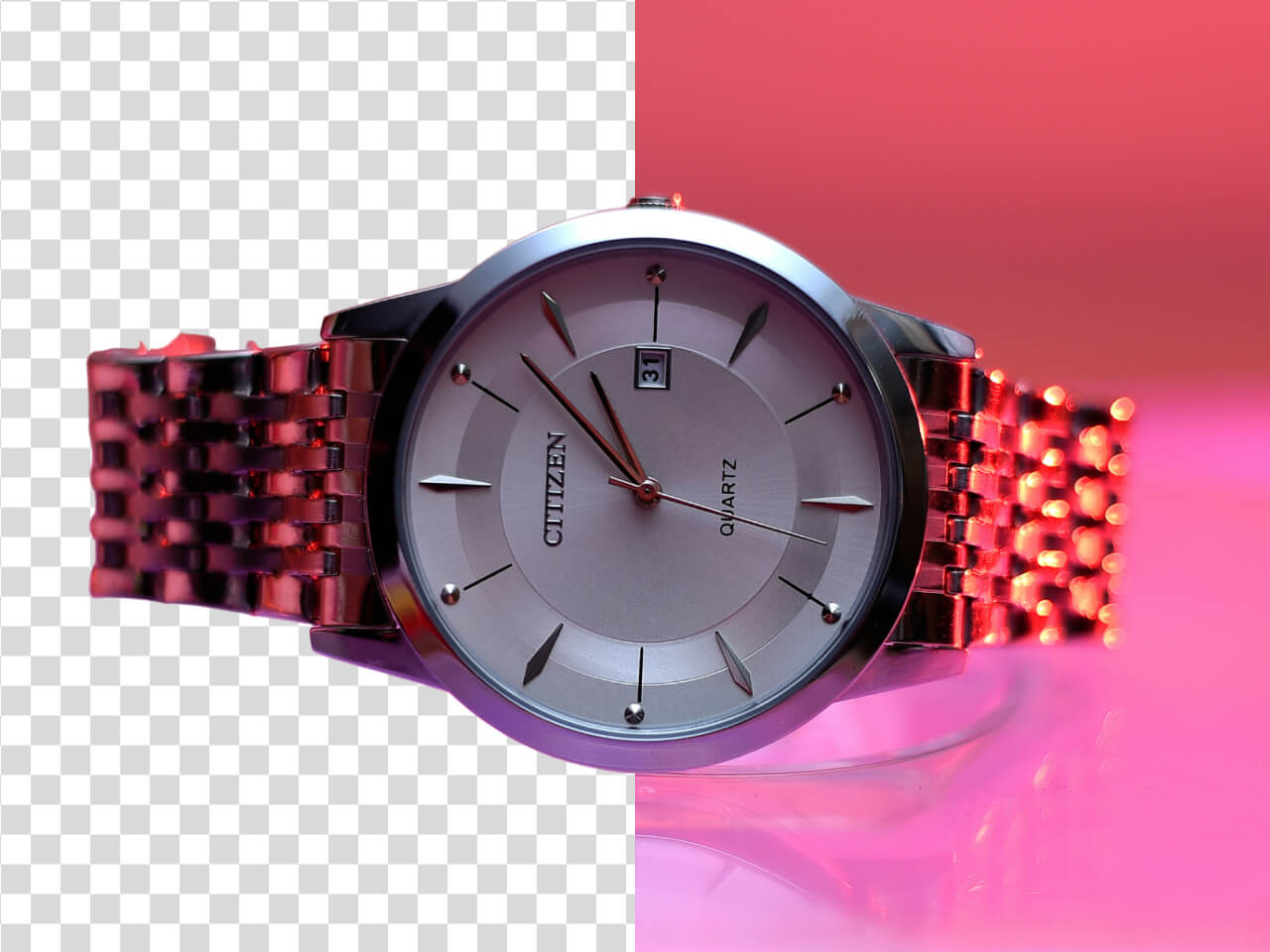
Best Use Cases for AI Background Removal
AI background removal is useful for product photography, marketplace listings, social media content, profile images, design assets, ad creatives, and reusable transparent cutouts.
Why E-commerce Teams Need Reliable AI Background Removal
For online stores, a strong background remover helps create consistent catalog images, reduce editing costs, speed up listing prep, and keep product details clear across channels.
Start now
What to Look for in the Best AI Background Remover
A strong AI background remover should balance precision, speed, export flexibility, and consistency for real production workflows.
Edge precision
Clean edges around products, people, hair, and fine details
Good edge handling is one of the most important signals of a high-quality AI background remover.
Subject detection
Accurately identifies the main object in the image
A reliable tool should separate the main subject from the background even when the scene is busy or visually complex.
Product detail preservation
Keeps shapes, textures, and important visual details intact
For e-commerce images, the background should be removed without making product edges look blurry or artificial.
Fast processing
Helps teams move from upload to usable image faster
Speed matters for creators, sellers, and teams that need to prepare many assets without slowing production.
Export flexibility
Supports transparent, white, colored, or reusable outputs
The best workflow should make it easy to use the final image across stores, ads, websites, presentations, and design files.
E-commerce consistency
Creates repeatable results for product grids and catalogs
Consistent background removal helps product collections look more organized, professional, and easier to browse.
Try AI Background Removal for Your Images
Evaluate edge quality, speed, and export flexibility with a background remover built for product photos and online visuals.