
Bulk Background Remover for Everyday E-commerce Workflows
Process multiple product photos quickly with an easy batch workflow built for store owners, merchandisers, and small teams.
Drop your image here
or click to browse files
By uploading an image you agree to our Terms and Privacy Policy
How to Remove Backgrounds from Multiple Images
Upload a set of product images, process them in bulk, and export cleaner visuals for listings, campaigns, and store updates.
Upload Your Image
Drag and drop your photo or click to browse. Supports JPG, PNG, and WEBP formats up to 10MB with instant preview.
AI Processing
Our advanced AI analyzes your image and precisely removes the background in seconds with professional quality results.
Download Result
Get your transparent PNG instantly. Perfect for e-commerce, social media, or any creative project you have in mind.
Built for Routine Batch Editing
Bulk background removal is a practical choice when you need to clean up a regular flow of product photos for daily uploads, new collections, or seasonal updates.
Try it now
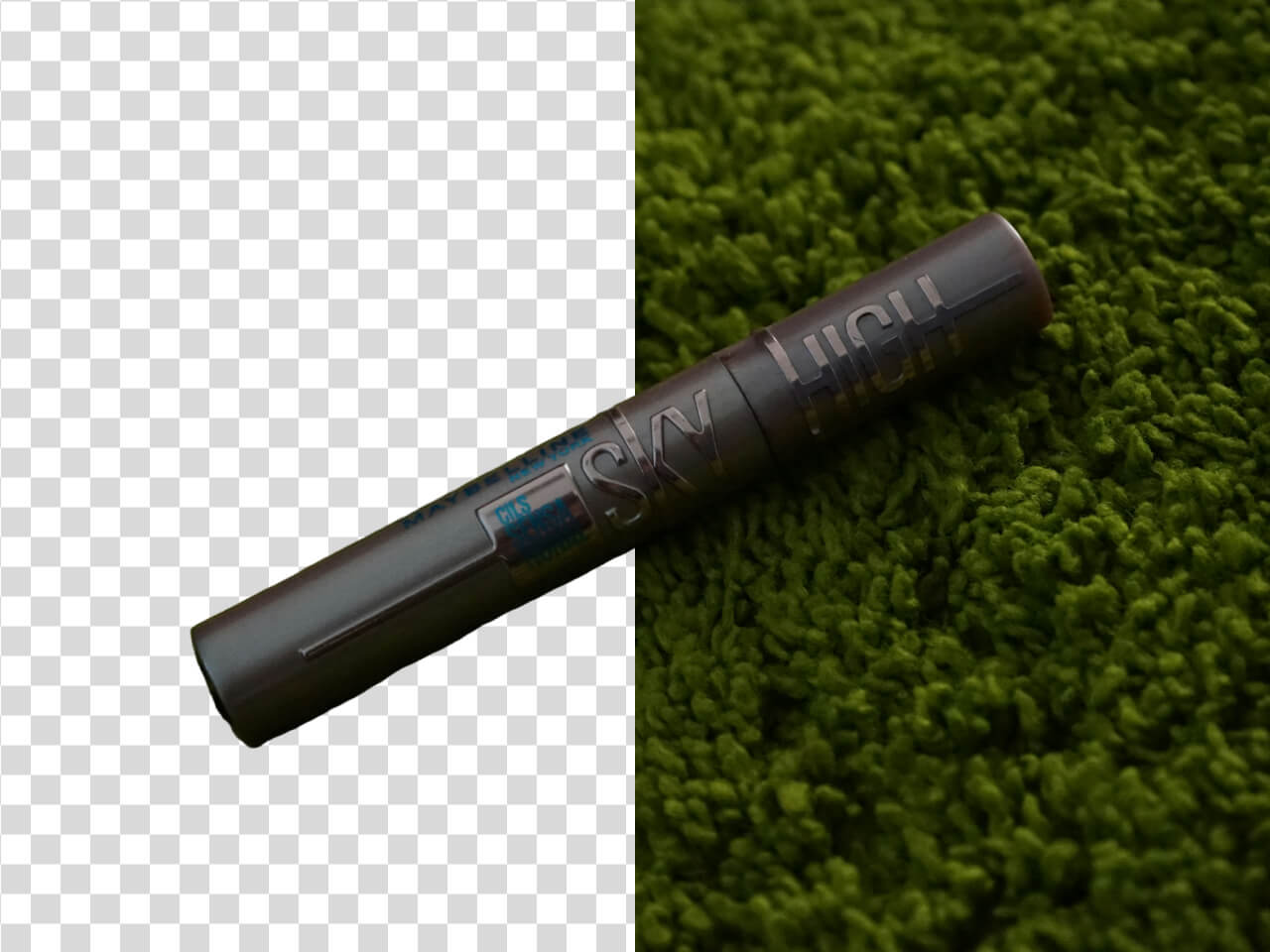
A Better Fit for Small Teams and Store Owners
This workflow helps Shopify sellers, e-commerce operators, and designers edit multiple images at once without spending time on repetitive manual cleanup.
Keep Listings Consistent Without Slowing Down
Use bulk processing to standardize backgrounds across product pages and collection grids while keeping your editing process fast and manageable.
Start now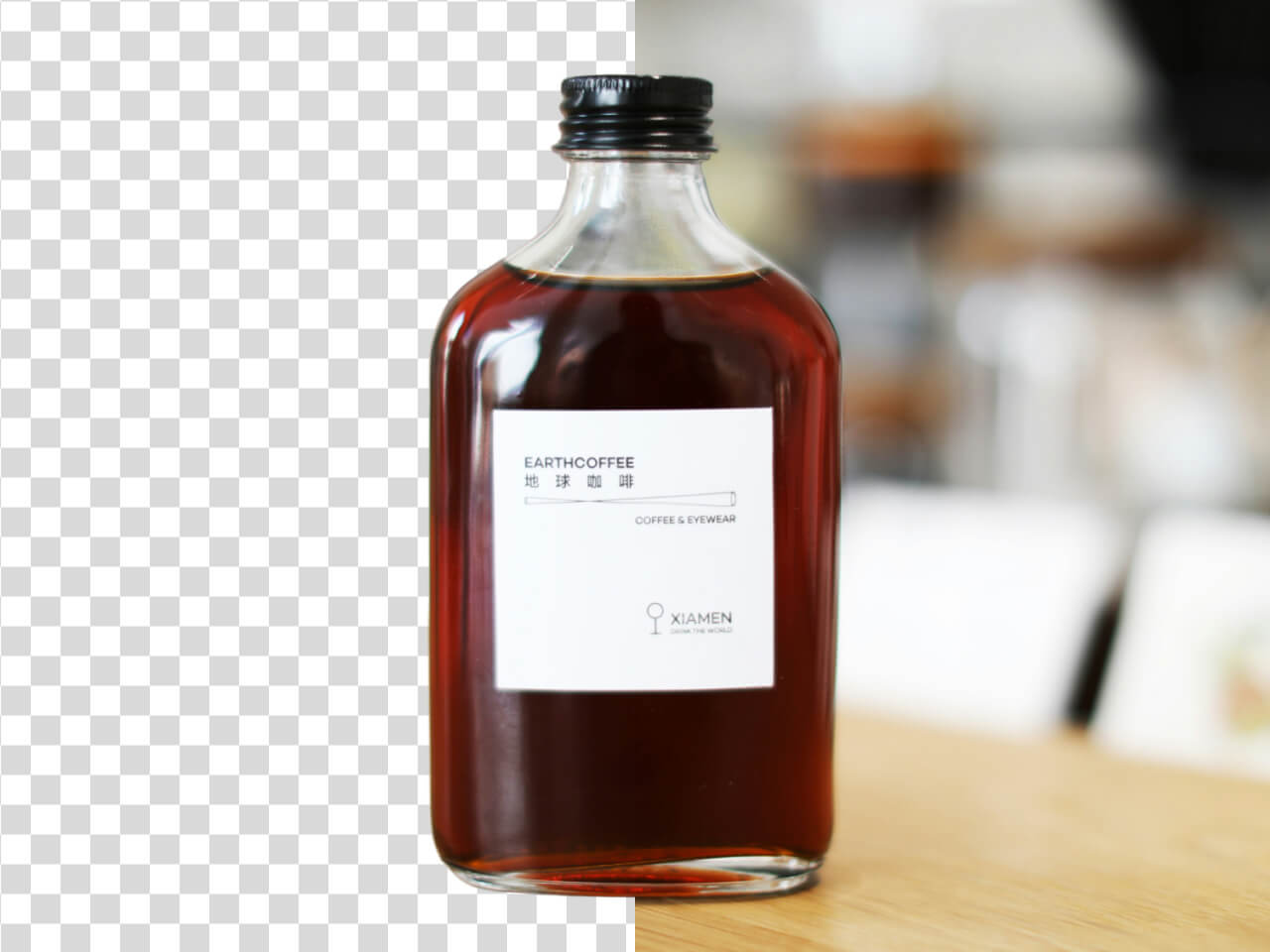
Why Bulk Background Removal Makes Editing Easier
Bulk editing helps teams handle multiple product images faster while keeping the final output clean, consistent, and ready for publishing.
Multiple images at once
Process product sets instead of editing one file at a time
Bulk background removal is useful when you need to prepare several product photos in one session without repeating the same manual steps.
Daily workflow friendly
Fits normal e-commerce uploads and routine content updates
This page is positioned for regular store updates, new arrivals, and everyday product editing rather than large enterprise operations.
Consistent product presentation
Keeps your images aligned across listings and categories
Using the same background treatment across product photos helps create a more organized and professional storefront.
Less manual repetition
Reduces time spent on repetitive background cleanup
Bulk editing saves time by removing the need to retouch each image individually.
Easier catalog updates
Helpful for launches, refreshes, and seasonal collections
When your catalog changes often, bulk editing helps you update product visuals quickly and keep your store current.
Simple team workflow
Useful for operators, merchandisers, and designers
Bulk background removal gives smaller teams a straightforward way to prepare product images without a complex production pipeline.
Edit Multiple Product Images Faster
Use bulk background removal to clean up product photos, speed up catalog prep, and keep your listings consistent.