
Remove Green Screen Backgrounds from Images
Clean up green backdrops and chroma key images with AI, then export transparent cutouts for design, commerce, thumbnails, or social content.
Drop your image here
or click to browse files
By uploading an image you agree to our Terms and Privacy Policy
How to Remove a Green Background Online
Upload a green-screen image, let AI isolate the subject, and export a clean cutout with the green backdrop removed.
Upload Your Image
Drag and drop your photo or click to browse. Supports JPG, PNG, and WEBP formats up to 10MB with instant preview.
AI Processing
Our advanced AI analyzes your image and precisely removes the background in seconds with professional quality results.
Download Result
Get your transparent PNG instantly. Perfect for e-commerce, social media, or any creative project you have in mind.
Designed for Green Screen and Chroma Key Photos
This page is focused on removing green backgrounds, green-screen backdrops, and chroma key setups—not adding a green background. It is useful for studio shots, creator content, product photos, and thumbnails captured against green.
Try it now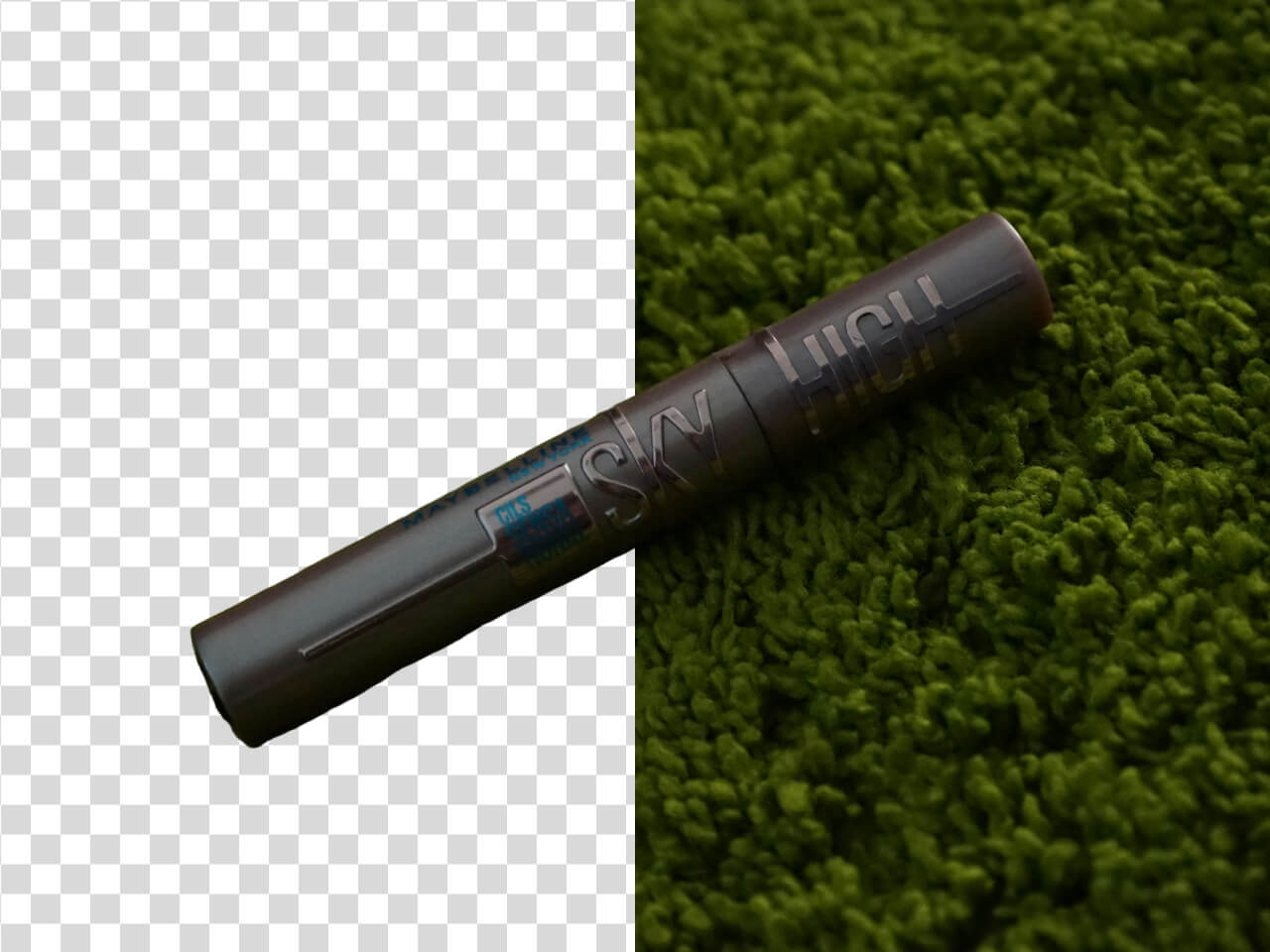
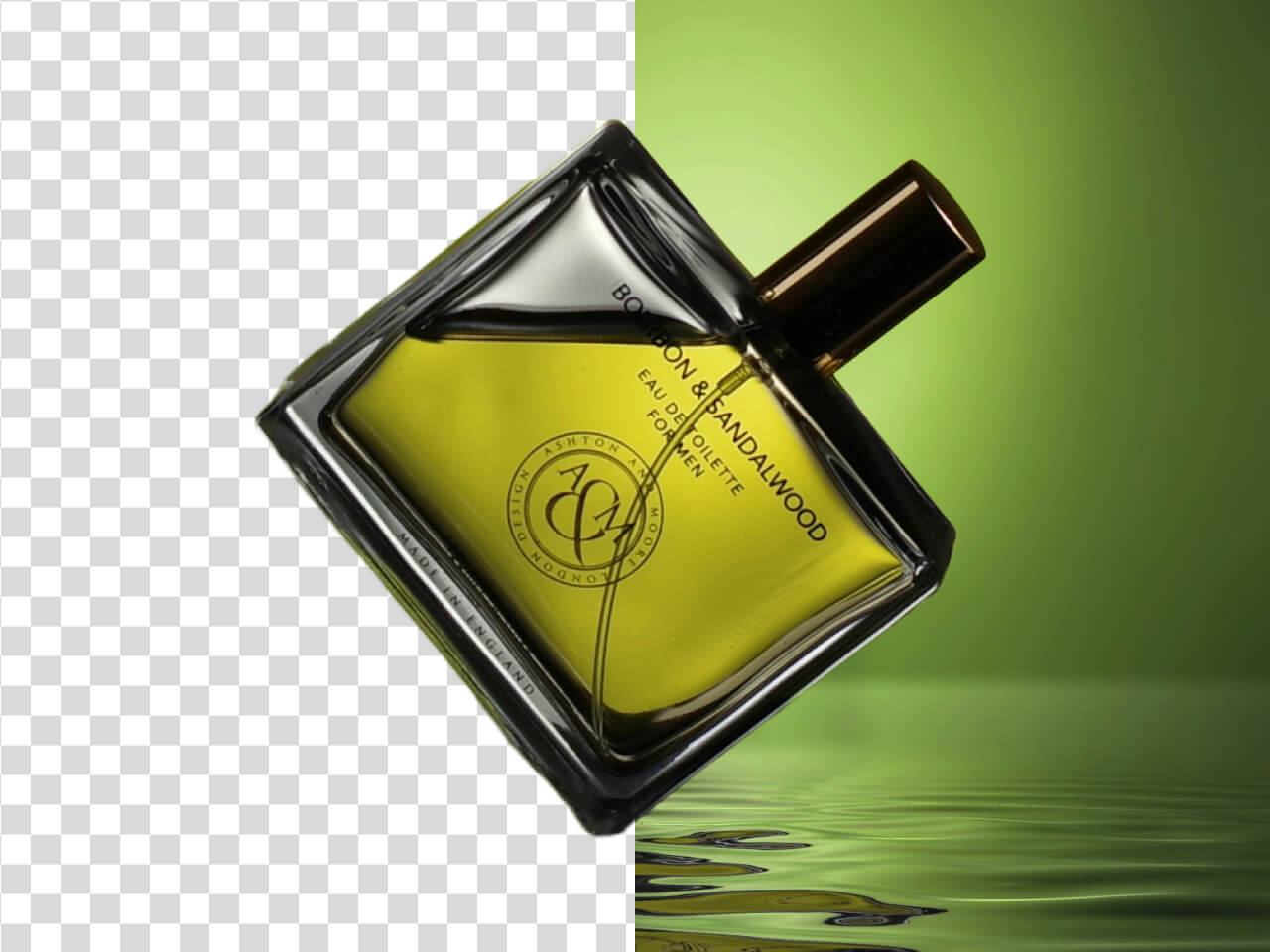
Clean Up Green Edges and Subject Boundaries
Green backgrounds can leave visible color spill around hair, products, or fine edges. AI removal helps isolate the subject so the final image looks cleaner on transparent, white, or branded backgrounds.
Place Your Cutout on Any New Background
After removing the green backdrop, reuse the subject in product listings, YouTube thumbnails, presentations, ads, store graphics, and social media layouts.
Start now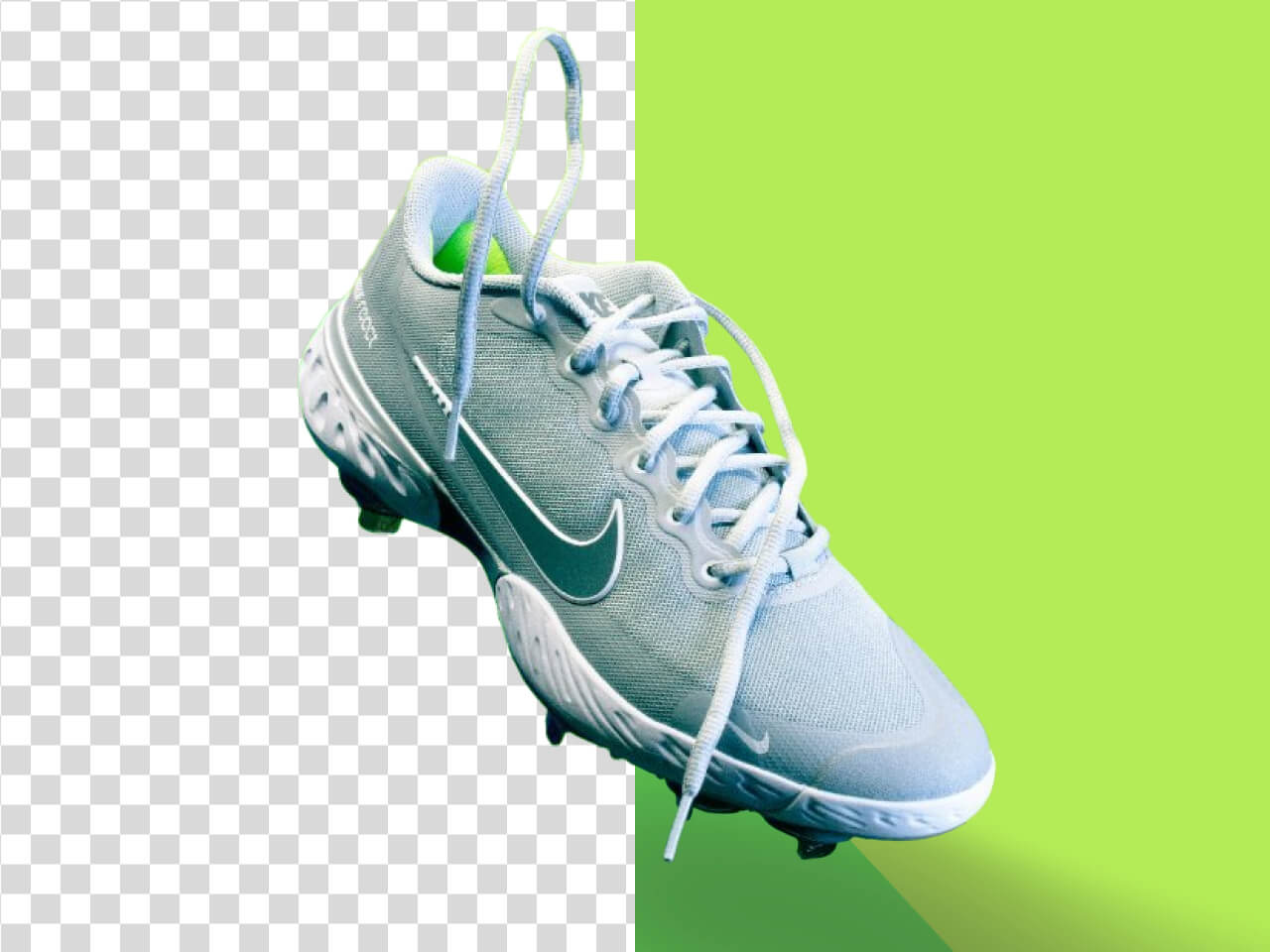
Why Green Background Removal Needs a Dedicated Workflow
Green screen images need precise subject isolation, cleaner edge handling, and flexible exports for design and content workflows.
Green screen focused
Built for green backdrops and chroma key style images
This workflow is positioned for users who need to remove a green background rather than replace an image with a green background.
Cleaner cutouts
Helps separate the subject from the green backdrop
AI background removal helps create cleaner subject cutouts from studio photos, creator images, product shots, and marketing visuals.
Reduced green spill
Useful when green edges remain around the subject
Green screens can create unwanted edge color. A dedicated workflow helps users understand and reduce visible green contamination in the final image.
Flexible backgrounds
Export transparent cutouts or place subjects on new layouts
Once the green background is removed, the subject can be reused on white, colored, transparent, image-based, or branded backgrounds.
Creator and commerce use
Works for thumbnails, product images, ads, and social content
Green background removal is useful for creators, e-commerce sellers, marketers, and designers preparing reusable visual assets.
Faster visual production
Removes the need for manual masking in common green-screen edits
AI speeds up the process of turning green-screen source images into polished visuals for publishing and promotion.
Remove Green Screen Backgrounds Now
Upload a green-background image and create a clean cutout for thumbnails, product pages, ads, and design layouts.