Nano Banana AI Image Editor — Google's Viral Model | graficai
Nano Banana (Google Gemini 2.5 Flash Image) took the internet by storm with 200M+ edits in weeks. Now access all three versions — Nano Banana 2, Pro, and original — directly in graficai's canvas editor. 10M+ users. Subject consistency. Photorealistic product photography. Pay-as-you-go at API cost.
Try Nano Banana on graficai — Free
What Makes Nano Banana Different — 6 Game-Changing Capabilities
The features that made 10 million people switch to Nano Banana for AI image editing
Subject consistency — the same product in every shot
Nano Banana's defining feature. Generate a product on white, then in a lifestyle scene, then in a seasonal setting — and the product stays identical. No other AI model matches this consistency, making Nano Banana the only viable option for catalog photography where accuracy matters.
Multi-image fusion — combine multiple photos into one
Upload a product photo and a location photo. Nano Banana merges them into a single seamless image with correct lighting, perspective, and scale. Place your watch on a marble counter, your sneaker in a garden, your bag on a city street — no Photoshop compositing required.
Natural-language editing — describe the change, AI does it
Change hairstyles, swap backdrops, adjust lighting, remove objects — all by typing what you want. 'Change the background to a modern kitchen with marble countertops.' 'Make the lighting warm and golden like sunset.' The AI understands context and applies changes while keeping the product intact.
World knowledge — the AI understands what things look like
Nano Banana Pro adds real-world knowledge: it knows what a 'mid-century modern chair' looks like vs 'Victorian,' understands lighting physics, and can render text correctly on product labels and packaging. This contextual awareness produces more accurate product imagery than models without world knowledge.
Three speed tiers — match the model to the task
Nano Banana 2: fastest and cheapest (~$0.01/gen) for high-volume work. Nano Banana Pro: most capable (~$0.03/gen) for complex product scenes. Original Nano Banana: the classic (~$0.02/gen) with the signature photorealistic style. Switch between them in one click.
SynthID watermarking — marketplace-ready with content authenticity
Every Nano Banana output includes Google's invisible SynthID digital watermark. This identifies the image as AI-generated for platform compliance without any visible impact on image quality. Amazon and other marketplaces increasingly require AI-content disclosure — Nano Banana has it built in.
E-commerce product photography with consistent products across every image
The #1 problem with AI product photography has always been inconsistency: the watch looks slightly different in every generated image, the sneaker's color shifts between shots, the necklace's chain pattern changes. Nano Banana's subject consistency solves this. Upload one product photo, generate a white-background Amazon listing shot, a lifestyle Shopify scene, and a detailed close-up — and your product looks identical in every single image. This is the feature that made e-commerce sellers switch from generic AI tools to Nano Banana.
Try subject consistency on your productsSeasonal catalog updates that used to cost $500+ per product — now under $0.03
Changing your entire product catalog's imagery for a seasonal campaign traditionally requires a new photoshoot: photographer, studio, props, models, retouching. $500+ per product, 3-5 days turnaround. With Nano Banana's natural-language editing and scene generation, you describe the seasonal setting ('winter chalet with fireplace and snow outside the window') and get photorealistic results in under 30 seconds. One seller reports updating 200+ product images for their holiday collection in a single afternoon — at a total AI cost of under $6.
Create seasonal campaigns with Nano Banana
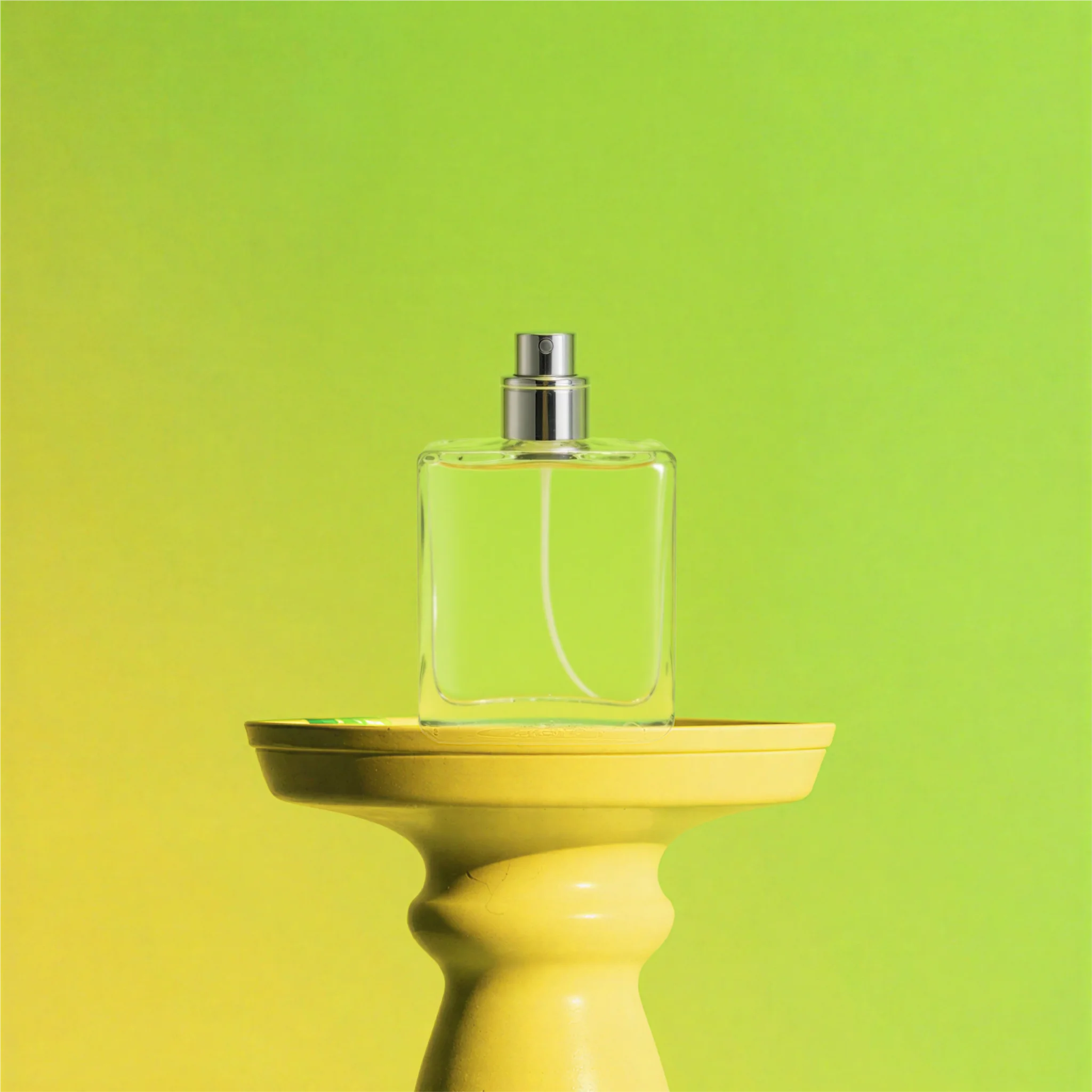
Multi-image fusion replaces hours of Photoshop compositing
Placing a product into a lifestyle setting traditionally requires isolating the product, matching lighting and perspective, compositing layers, and retouching edges — a 30-60 minute process per image in Photoshop. Nano Banana's multi-image fusion does this automatically. Upload your product photo and your desired background photo. The AI merges them with correct lighting, shadows, scale, and perspective in under 30 seconds. No layers, no masks, no retouching. This single feature saves e-commerce photographers 5-10 hours per catalog shoot.
Try multi-image fusion on graficaiNano Banana vs Other AI Models — Which One for Your Product Photos?
Compare all AI models available on graficai. Choose based on your priority: speed, quality, photorealism, or cost.
| Model | Base Technology | Speed | Cost/Gen | Subject Consistency | Text Rendering | Best For |
|---|---|---|---|---|---|---|
| Nano Banana 2 | Gemini 3.1 Flash Image | Fastest | ~$0.01 | Excellent | Improved | High-volume catalogs, batch work |
| Nano Banana Pro | Gemini 3 Pro Image | Fast | ~$0.03 | Excellent | Best in class | Complex scenes, jewelry, brand campaigns |
| Original Nano Banana | Gemini 2.5 Flash Image | Fast | ~$0.02 | Very good | Good | 3D figurine style, general editing |
| Seedream 5.0 | ByteDance Foundation | Moderate | ~$0.04 | Moderate | Good | Fashion, photorealism, human models |
| GPT Image 2 | OpenAI | Slowest | ~$0.05 | Good | Very good | Complex compositions, creative storytelling |
Costs are approximate per-image-generation at API cost. Subject consistency assessed on product photography with clear subjects across multiple edits. Nano Banana 2 marked as recommended for most e-commerce use cases.
Try graficai Free — No Credit CardHow to Edit Product Photos with Nano Banana — 3 Simple Steps
Open graficai editor and select Nano Banana
Go to graficai.co/editor — no sign-up required to start. The canvas editor opens in your browser. From the AI model dropdown in the top bar, select Nano Banana 2 (fastest), Nano Banana Pro (highest quality), or original Nano Banana (classic style). The editor supports layers, resize, crop, and format conversion before you even touch AI features.
Upload your product photo and describe your edit
Drag and drop your product photo onto the canvas, or click Upload. Then type what you want in natural language. Examples: 'Change the background to a modern kitchen with marble countertops' or 'Place this watch on a wooden table with warm lighting' or 'Generate this same product in 4 seasonal settings.' Nano Banana understands context and keeps your product identical across all edits.
Download or continue editing
Review the generated image. If you want adjustments, refine your prompt — Nano Banana supports iterative editing while maintaining subject consistency. When satisfied, download in up to 4K resolution. Switch to Seedream or GPT Image 2 in the same editor to compare results across models. All outputs include SynthID watermarking for marketplace compliance.
Nano Banana Prompt Examples — See What's Possible
Real prompts you can copy, paste, and customize for your own product photos
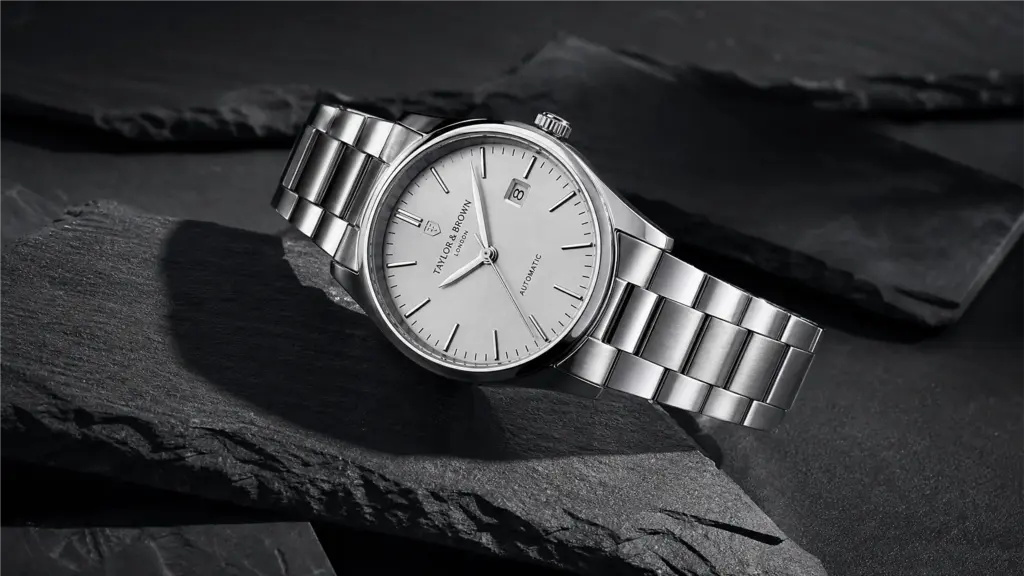
Replace any product background with a photorealistic lifestyle setting. Nano Banana handles lighting, shadows, and reflections automatically — the product looks like it was photographed there.
Prompt
Place this watch on a white marble surface with soft natural lighting, shallow depth of field, luxury product photography style
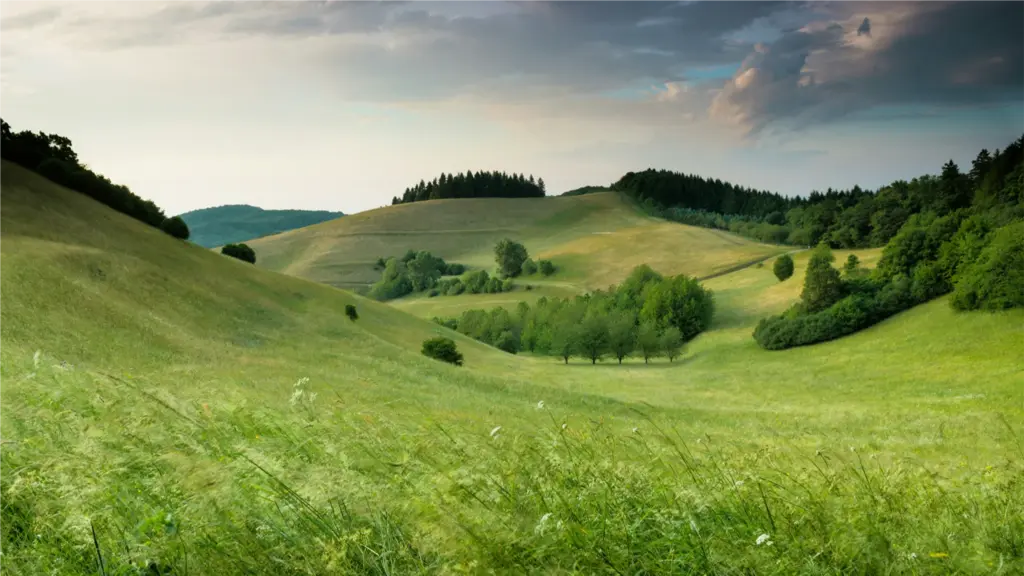
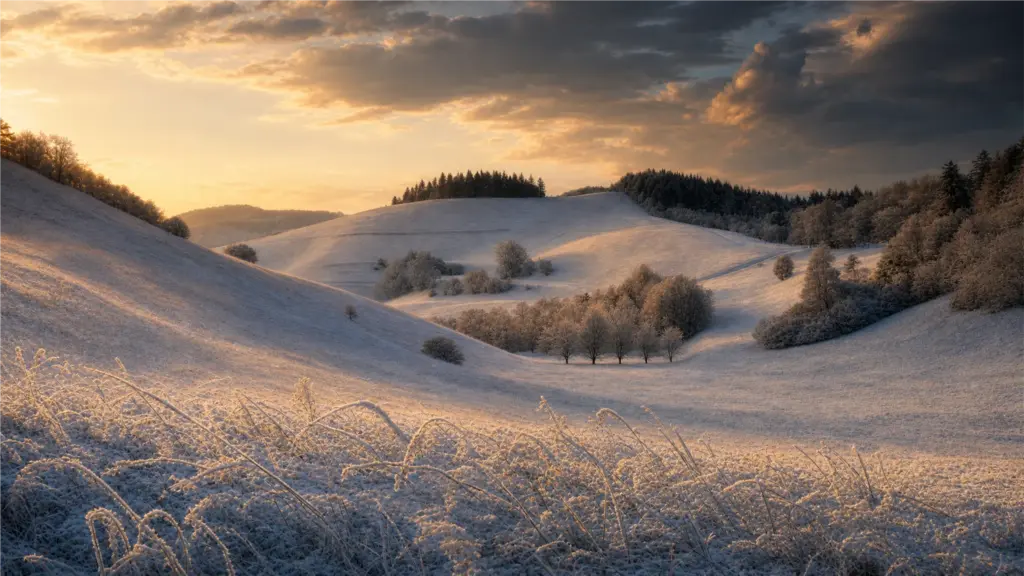
Create an entire seasonal campaign from one product photo. Nano Banana maintains subject consistency — the product looks identical across every generated image. No reshoot needed.
Prompt
Generate this same sneaker in 4 seasonal settings: spring cherry blossoms, summer beach, autumn leaves, winter snow. Keep the sneaker identical in every image.
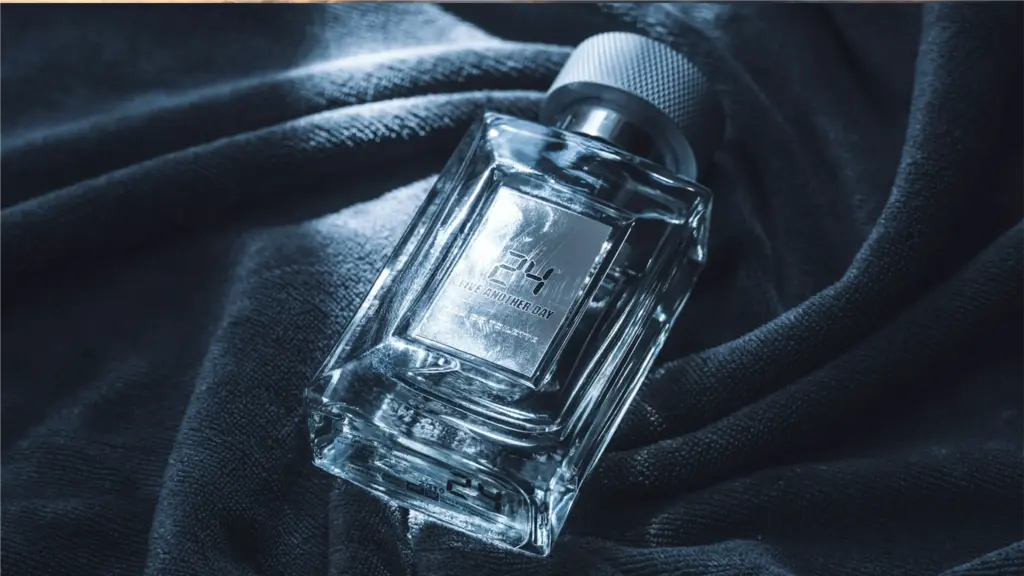
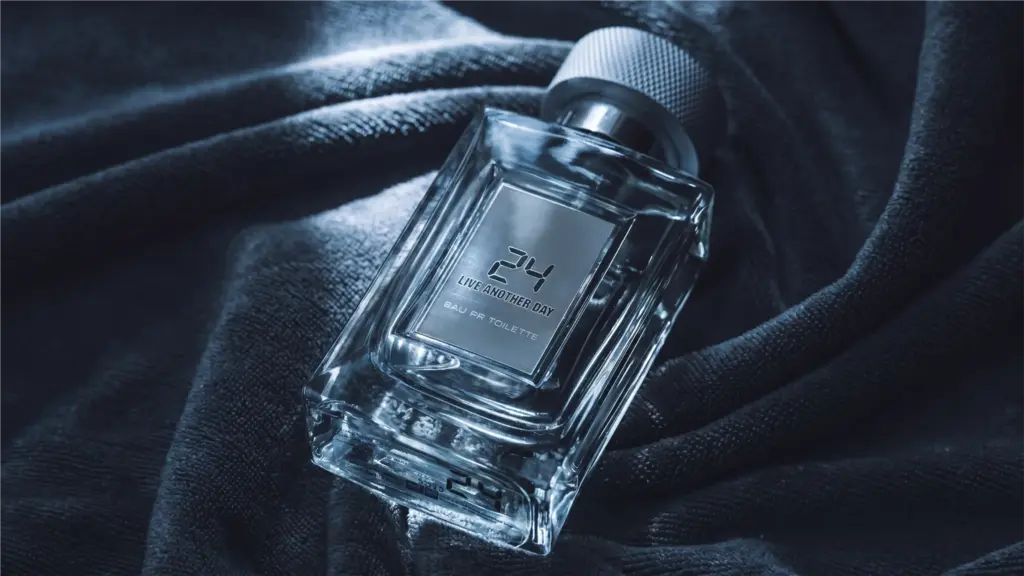
Add realistic reflections, adjust lighting direction and intensity, or create dramatic product shots — all by describing the effect in plain English. Nano Banana Pro is especially good at understanding lighting physics.
Prompt
Add a reflection of this perfume bottle on a glossy black surface, dramatic lighting, high-end fragrance advertisement style
Try Nano Banana — Google's Viral AI Model, Available Now on graficai
All three Nano Banana versions integrated into the free canvas editor. Pay only for AI generation at API cost — no subscription. Try Nano Banana 2 for speed, Nano Banana Pro for quality, or switch between all 4 AI models in one editor.