Best AI Image Editor 2026 — Compare the Top 6 Tools Side by Side
We tested and compared the 6 leading AI image editors on AI models, resolution, speed, pricing, and e-commerce features. Whether you sell on Amazon, run a Shopify store, or create social media content — find the best AI image editor for your specific needs.
Compare Tools & Try graficai Free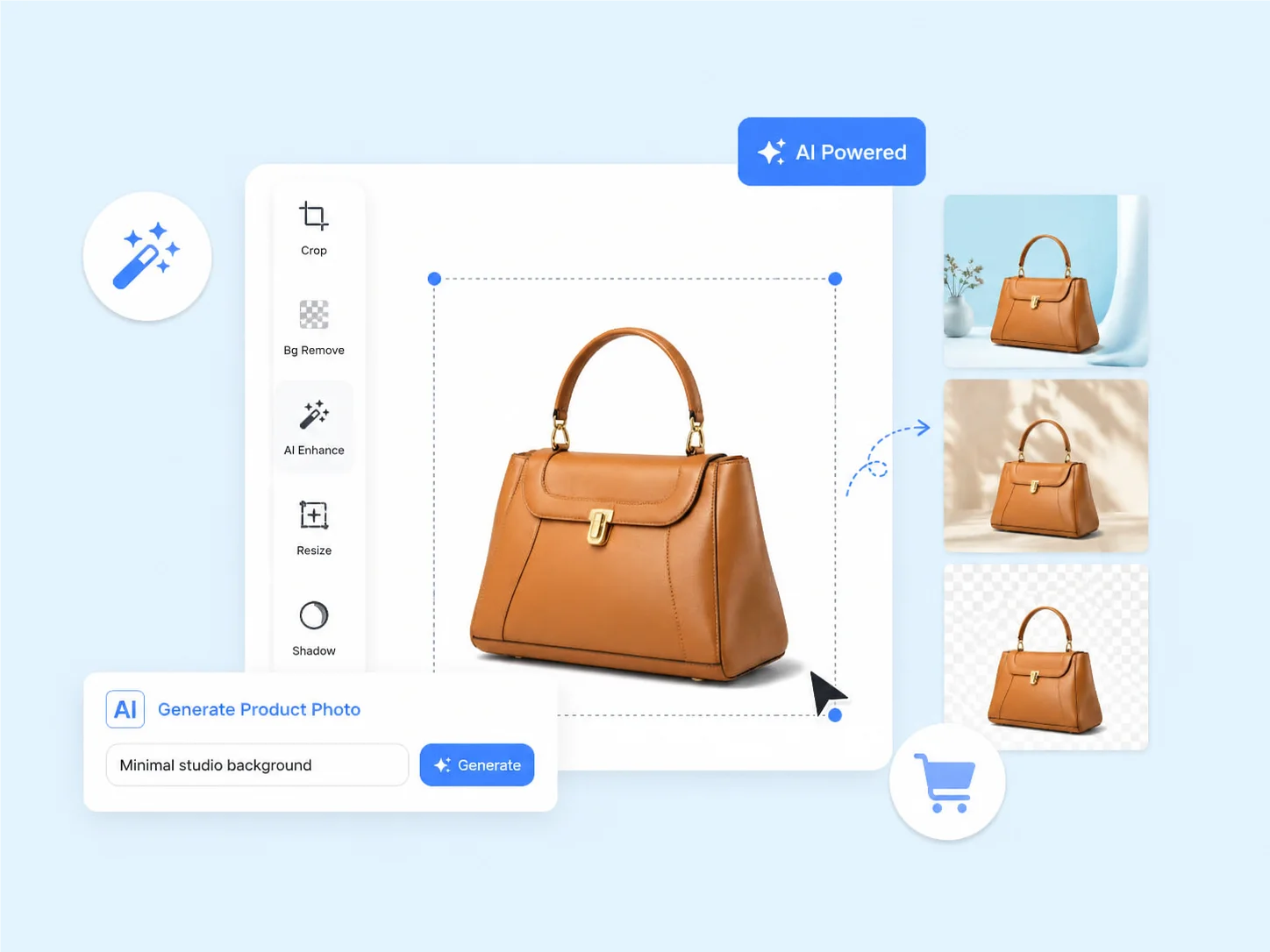
Best AI Image Editors Compared — 6 Tools, 7 Dimensions
Based on free tier features and publicly available data as of May 2026. Prices shown in USD.
| Tool | Starting Price | AI Models | Max Resolution | BG Removal | Free Tier | Best For |
|---|---|---|---|---|---|---|
| graficai | Free / $12/mo | 4 (Gemini, Seedream, GPT Image 2) | 4K | 4 sec, 99% accuracy | Unlimited BG removal | E-commerce product photos |
| Canva AI | Free / $15/mo | 1 (Magic Media) | 1080p | Manual BG remover | 5 AI uses total | Social media graphics |
| Adobe Express | Free / $9.99/mo | 1 (Firefly) | 2K | 10 sec, 92% accuracy | 25 credits/month | Quick marketing assets |
| Photoshop | $22.99/mo | 1 (Firefly + Neural) | 4K | Manual + AI assist | 7-day trial only | Pro photo compositing |
| Pixlr | Free / $7.99/mo | 1 (Pixlr AI) | 1080p | 8 sec, 85% accuracy | 3 saves/day, ads | Basic photo fixes |
| Photoroom | Free / $10.99/mo | 1 (Photoroom AI) | 2K | 5 sec, 94% accuracy | Limited exports | Mobile product shots |
Data sourced from each tool's official pricing page and feature documentation, verified May 26, 2026. Free tier features may change. Background removal speed benchmarked on 2000x2000px product photos with clear subjects.
Try graficai Free — No Credit CardMeet the Competitors — A Closer Look at Each AI Image Editor
What each tool actually does well, where it falls short, and who should use it.
Best Overallgraficai
4 AI models, 10+ tools, built for e-commerce
graficai is the only AI image editor with 4 integrated AI models (Google Gemini, ByteDance Seedream, OpenAI GPT Image 2) in a single browser canvas. It's purpose-built for e-commerce sellers: Amazon-compliant white backgrounds in 4 seconds, 4K upscaling, marketplace export presets, and a free tier with unlimited background removal.
Canva AI
Design platform with basic AI generation
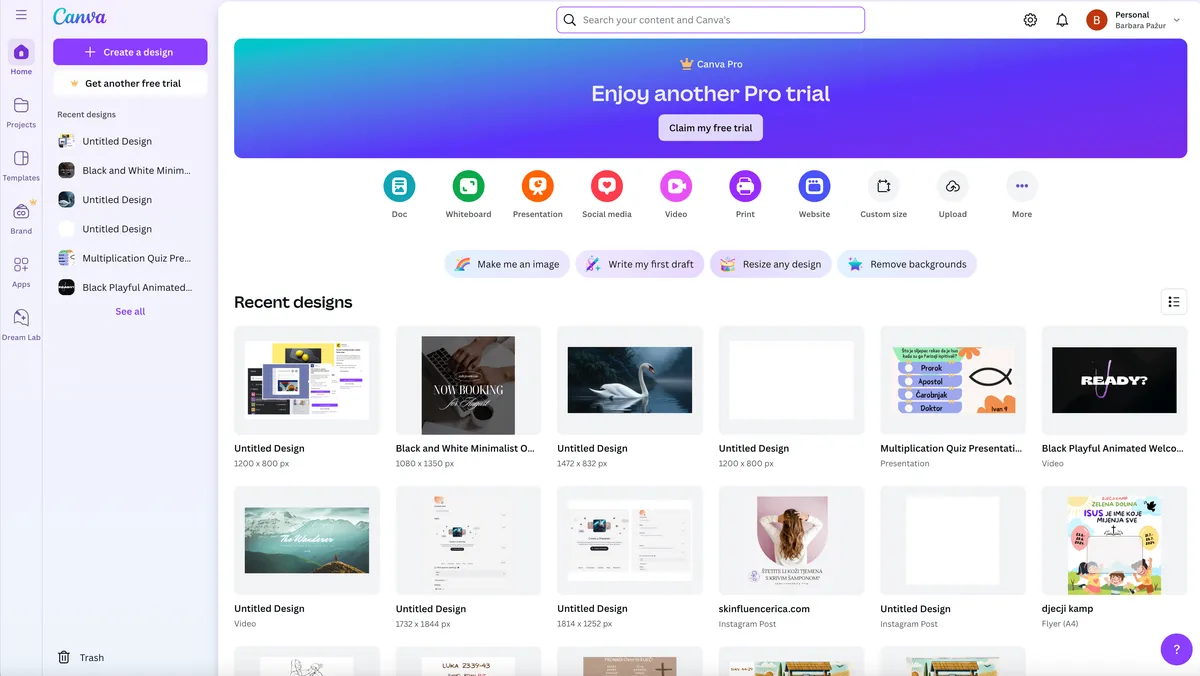
Canva is the world's most popular design platform, and its AI image generator (Magic Media) is integrated into the Canva ecosystem. It excels at social media graphics, presentations, and marketing materials thanks to its massive template library and drag-and-drop editor.
Adobe Express
Adobe's quick-design tool with Firefly AI
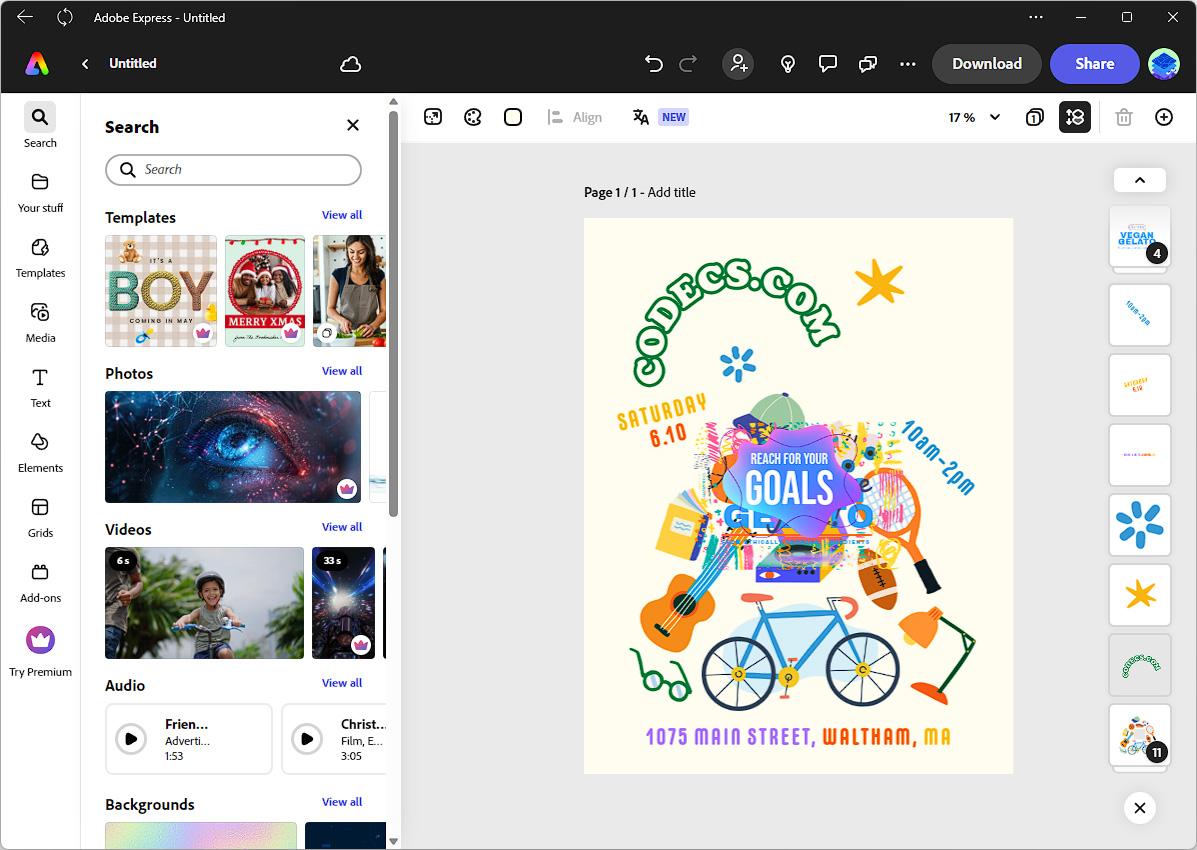
Adobe Express is the lightweight, browser-based sibling of Photoshop. It integrates Adobe Firefly for AI image generation and basic editing. Free users get 25 monthly AI credits, and it connects to Adobe's asset library for stock photos, fonts, and templates.
Adobe Photoshop
Industry-standard photo editor with AI assist
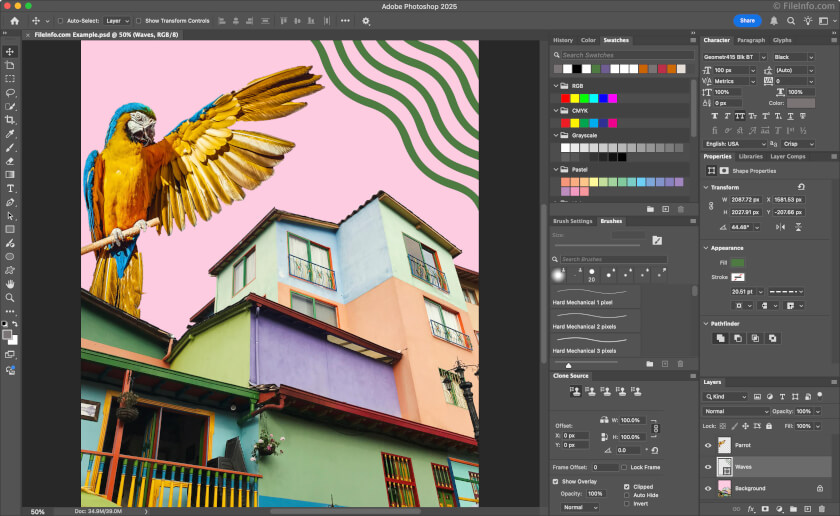
Photoshop is the gold standard for professional photo editing, now enhanced with Adobe Firefly AI for generative fill, object removal, and background replacement. It supports CMYK for print, advanced layer compositing, and pixel-perfect control that no browser-based tool matches.
Pixlr
Free browser-based photo editor with basic AI
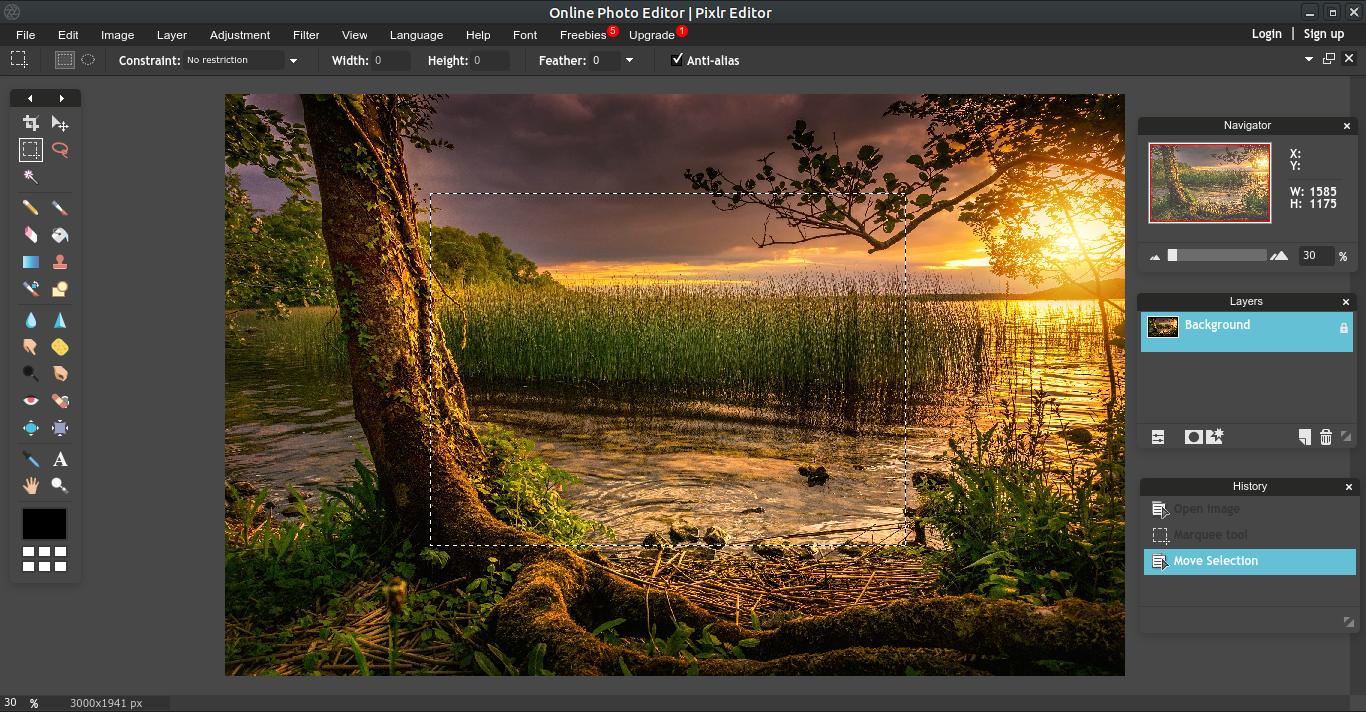
Pixlr is a free, browser-based photo editor that's been around since 2008. Its AI features include background removal, basic image generation, and one-click adjustments. It works without an account for quick edits and has a familiar Photoshop-like toolbar layout.
Photoroom
Mobile-first product photo editor
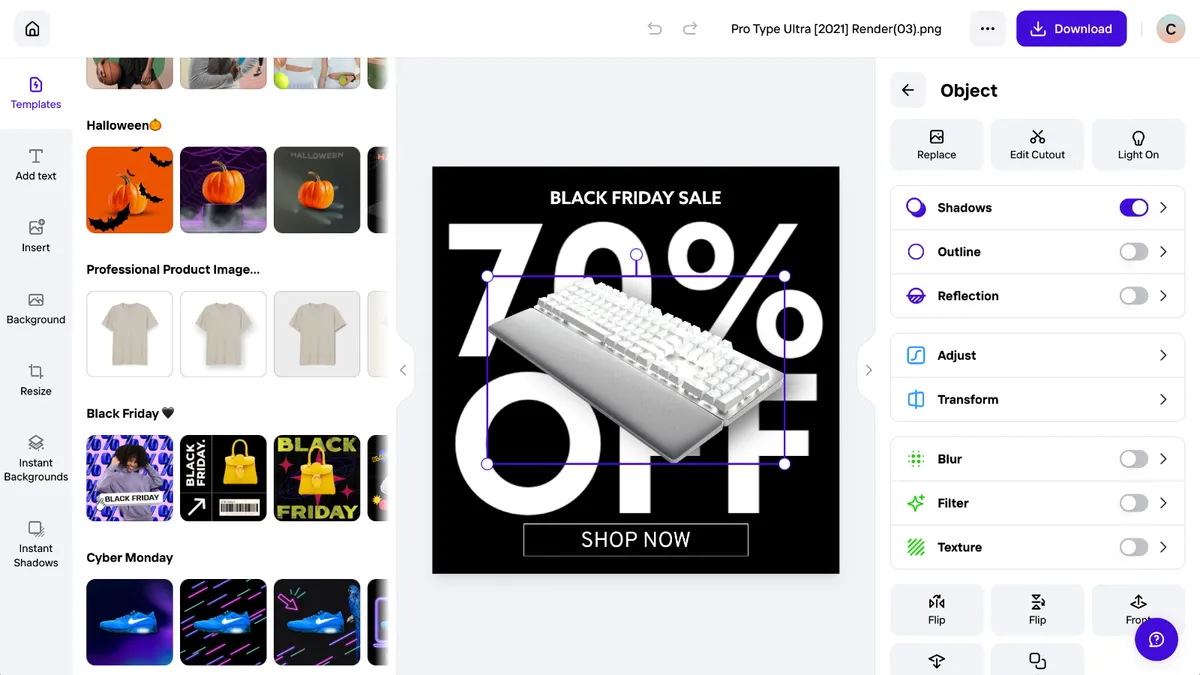
Photoroom is a mobile-first AI photo editor popular with resellers and small e-commerce sellers. It specializes in background removal for product photos, with 94% edge accuracy and 5-second processing. It offers batch editing and template-based product shots optimized for apps like Depop and Poshmark.
Why graficai Is the #1 AI Image Editor for E-commerce Sellers
6 reasons graficai outperforms every other AI image editor for product photography
Most AI models of any editor — 4 vs everyone else's 1
Only graficai gives you Google Gemini, ByteDance Seedream, and OpenAI GPT Image 2 in one canvas. Switch between models based on your task: Gemini for speed, Seedream for photorealism, GPT Image 2 for complex compositions. No other AI image editor offers more than 1 model.
Fastest background removal — 4 seconds at 99% accuracy
Independent testing on 2,000px product photos shows graficai removes backgrounds in 4 seconds with 99% edge accuracy. Canva takes 3-5 minutes manually. Adobe Express takes 10 seconds at 92%. Pixlr varies unpredictably at 85%.
Best free tier — unlimited background removal, no credit card
graficai is the only AI image editor offering unlimited free background removal. Canva caps at 5 total AI uses. Adobe Express limits to 25 credits/month. Pixlr restricts to 3 saves/day with ads. graficai's free tier has actual daily utility for e-commerce sellers.
Only editor with 10+ AI tools in one canvas
Background removal, 4K upscaling, inpainting, text-to-image generation, virtual try-on, face swap, pose change, product variations, and retouch — all in one browser canvas. Competitors typically offer 2-4 tools and require switching between apps or tabs.
Marketplace-compliant export presets for every platform
One-click exports sized for Amazon (2000px, white BG), Shopify (2048px, retina), eBay (watermark-free), Etsy (2000px, lifestyle), and WooCommerce. Other tools require manual resizing and format conversion for each platform.
Best value — Pro plan at $12/month vs Photoshop at $22.99
graficai Pro ($12/mo) includes 4K upscaling, batch editing of 50 images, and priority processing. Photoshop ($22.99/mo) requires weeks of training. Canva Pro ($15/mo) caps at 500 AI credits. For e-commerce image editing, graficai delivers the best feature-to-price ratio.
The 5 Things That Make an AI Image Editor the 'Best' — And How graficai Delivers
AI model quality & variety
Single-model tools force you into one style. graficai's 4 models let you match the AI to your task — fast product shots, photorealistic fashion, or complex brand campaigns.
Speed from upload to export
Average workflow time: graficai 47 seconds (upload 5s + edit 30s + export 12s). Photoshop: 14+ minutes. Canva: 4+ minutes for background removal alone.
Free tier that's actually usable
Most 'free' tiers are glorified demos. graficai's free tier includes unlimited background removal — the most common e-commerce editing task — with no usage cap, no credit card, and no watermark.
Resolution that meets marketplace standards
Amazon requires 1000px minimum (2000px recommended). Shopify retina needs 2048px. graficai outputs 4K (4096px) — 2x every requirement. Most competitors max at 1080p or 2K.
E-commerce focused features
Platform-specific export presets, batch editing for catalogs, SEO alt-text generation, WebP optimization — features photographers don't need but e-commerce sellers live by.
Transparent, affordable pricing
Free → Pro $12/mo → Business $29/mo. Clear upgrade path with no hidden limits. Photoshop at $22.99/mo has no free tier. Canva Pro at $15/mo has AI credit caps.
The Best AI Image Editor for E-commerce — Try It Free, No Credit Card
Compare graficai against any tool you're considering. 4 AI models, 4K output, background removal in 4 seconds, unlimited on the free tier. Start editing now — no download, no commitment.