
Free AI Image Blender — Blend Images Together Online Instantly
Paste any subject into a new background and our AI automatically matches lighting, shadows, and colors in one click. Think Photoshop Harmonize, but free, instant, and no install required.
How to Blend Images with AI — 3 Simple Steps
No layers, no masks, no manual color correction. Just upload your images and let AI handle the compositing.
Upload Your Subject & Background
Drag and drop your subject image (with background already removed for best results) and your target background. Supports JPG, PNG, WEBP up to 50MB each.
AI Harmonizes Lighting & Shadows
Our AI instantly analyzes the background's light source direction, color temperature, and shadow patterns — then intelligently relights your subject to match. No manual adjustments needed.
Download Your Seamless Blend
Preview the result, choose your preferred variation if needed, and download in HD quality. No watermarks, ready to use on your store or social media.
What Is AI Image Blending?
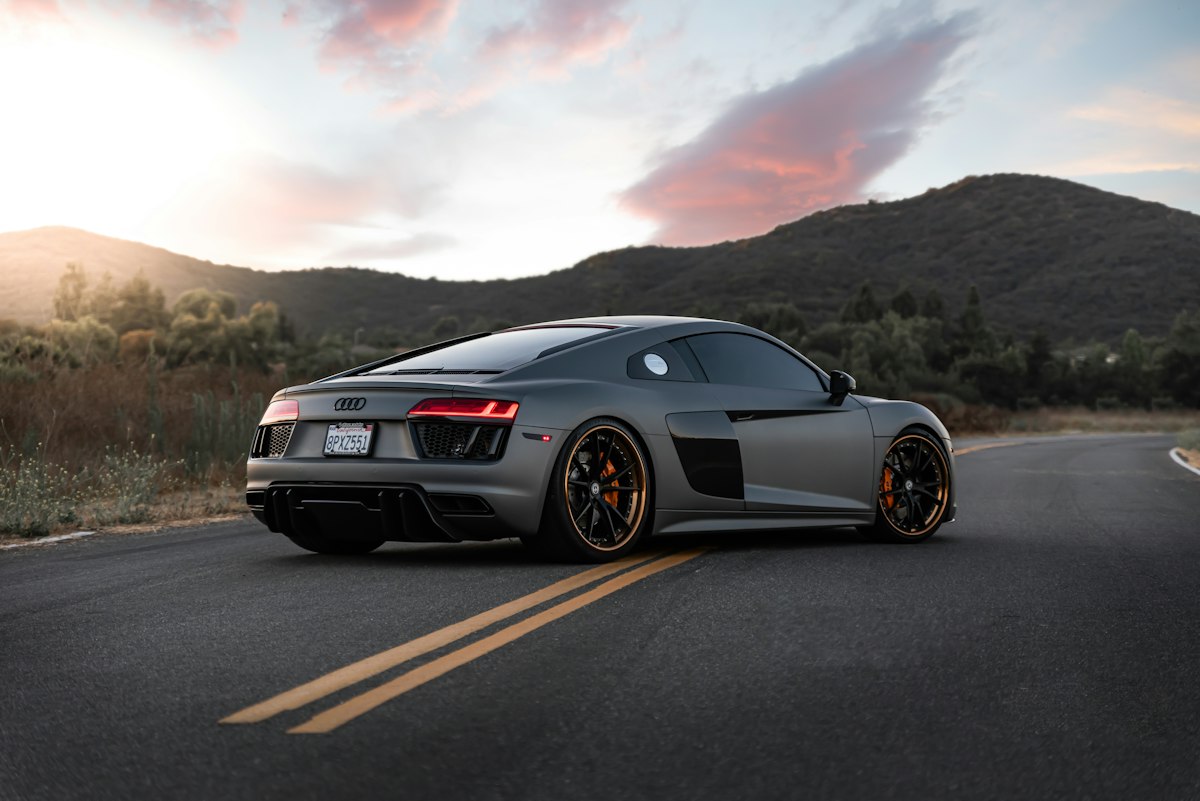
AI image blending intelligently harmonizes a subject with a new background by automatically matching lighting, color temperature, shadow direction, and reflections. Unlike simple cut-and-paste — which leaves harsh edges and mismatched colors — AI blending adjusts your subject to look like it was photographed in the target scene, not pasted on top of it. The result is a composite so seamless that even a trained eye struggles to tell it was edited. And it all happens in seconds, right in your browser.
The Problem with Manual Compositing
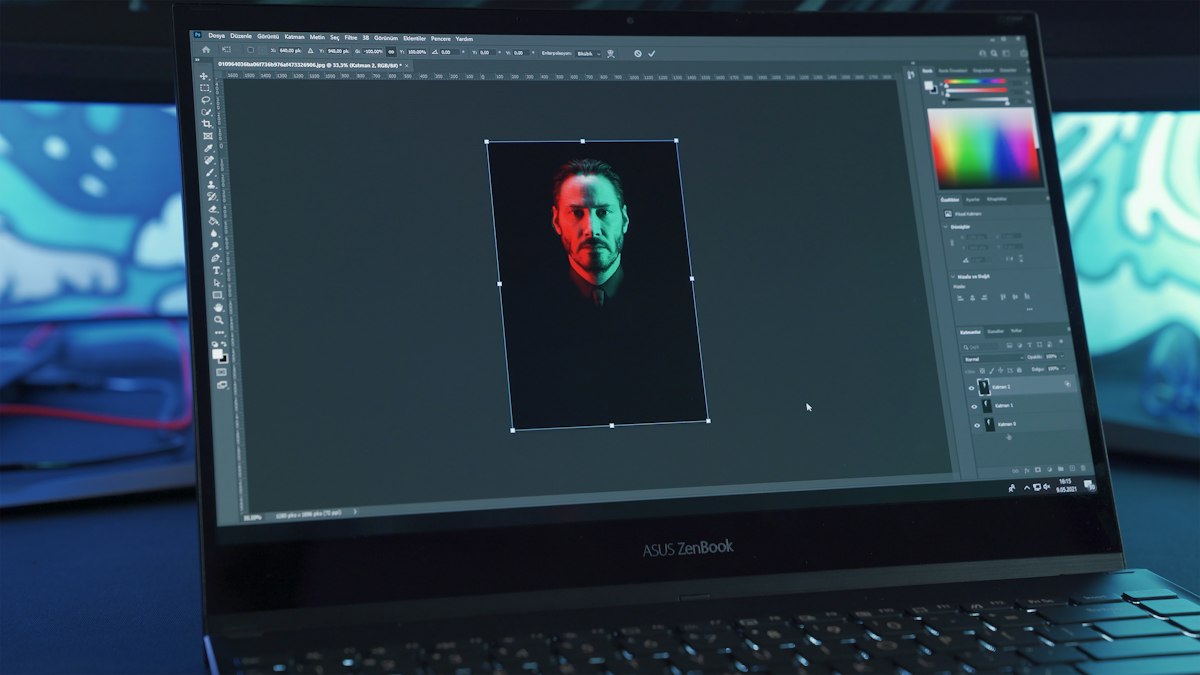
Doing this by hand is slow, technical, and unforgiving. A professional retoucher typically spends 30 to 60 minutes per image manually adjusting curves, levels, and color balance — and that's assuming they get the lighting direction right on the first try. For anyone without years of Photoshop experience, the learning curve is even steeper. Most people simply settle for a cut-and-paste look, or give up entirely. AI blending removes this bottleneck: upload your images, and the AI does the heavy lifting in one click.
How AI Matches Lighting & Color
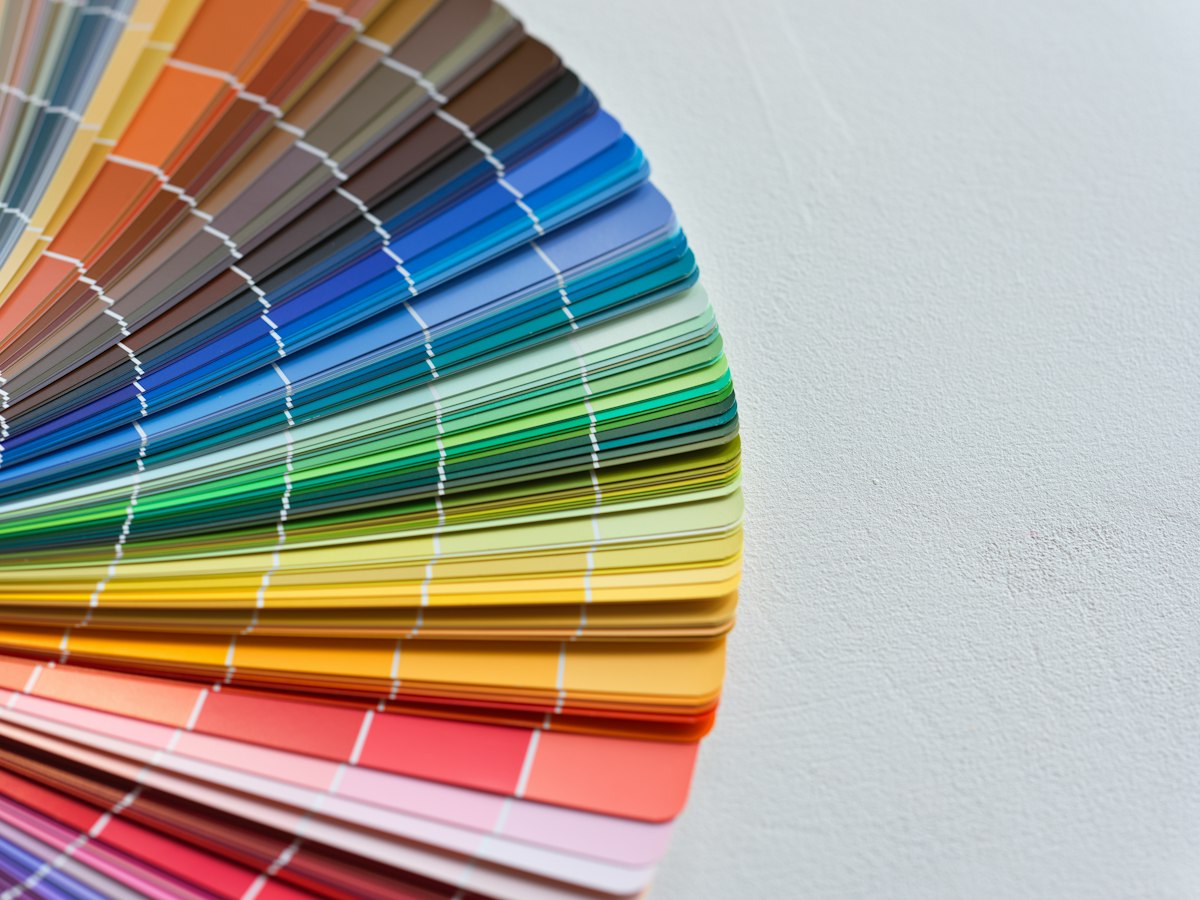
The number one giveaway of a fake composite is lighting that doesn't match. Your eye catches it instantly — a subject lit from the left against a background lit from the right. Our AI analyzes the background's dominant light source — its direction, intensity, color temperature, and hardness — then applies a corresponding relighting pass to your subject. Warm golden-hour backgrounds get warm-toned subjects. Cool studio lighting produces cool-toned subjects. Harsh sunlight yields crisp, hard-edged shadows. Soft window light produces gentle, diffused falloff. Color balance, exposure, and ambient light are all resolved in a single automated pass.
How AI Generates Realistic Shadows
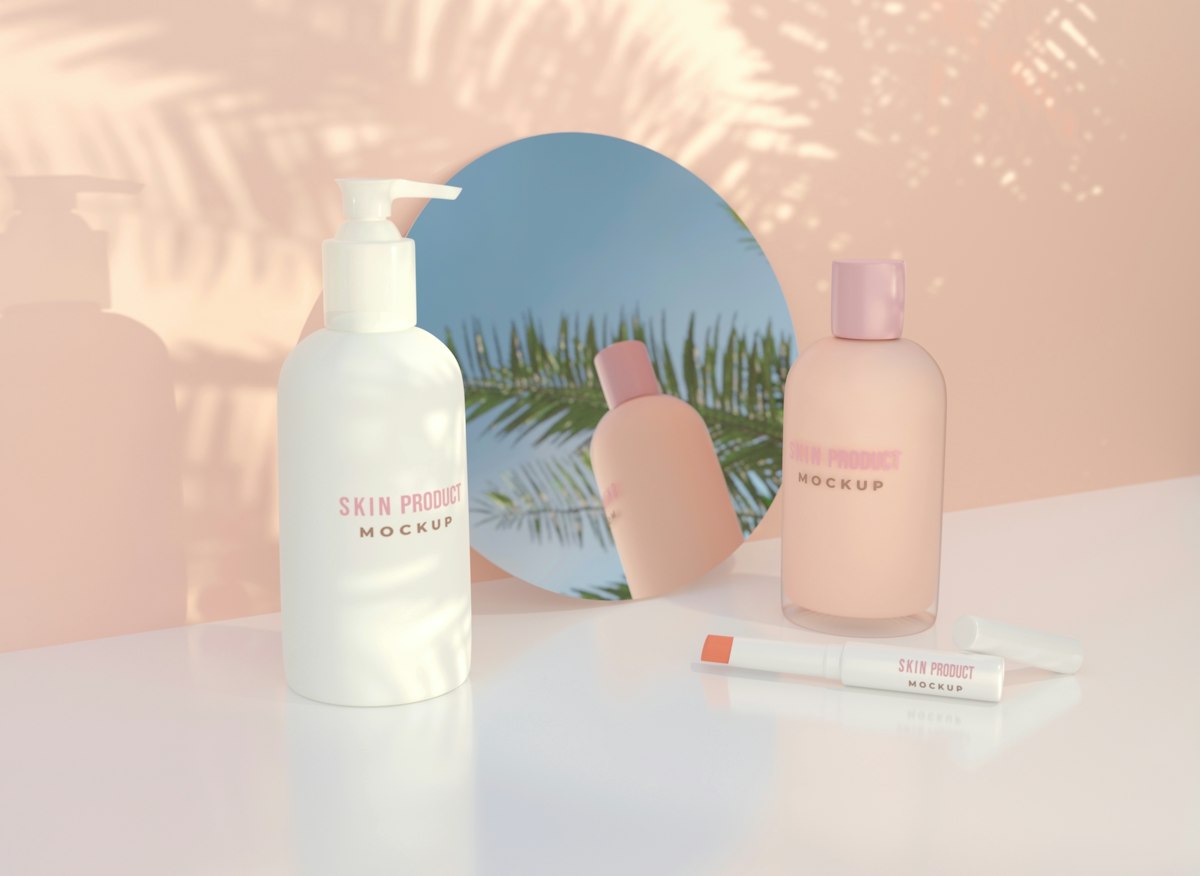
Even with perfect lighting, a composite fails if the subject appears to float in space. Shadows are what ground an object in its environment — and they're one of the hardest things to fake manually. Our AI generates two types of shadows automatically: a tight contact shadow where the subject meets the surface, and a softer cast shadow that falls in the same direction as the background's light source. Place a product on a tabletop, and the AI adds a crisp contact edge plus a directional drop shadow. Drop a person into a room, and the AI creates floor shadows that match the ambient light — soft near a window, sharp under a spotlight. These details are what separate a professional composite from an obvious edit.
Who Uses AI Image Blending
From e-commerce to creative design — AI blending saves time and delivers professional results across industries
E-commerce Sellers
Place products in lifestyle scenes without expensive photoshoots. Create professional product images that convert better on Amazon, Shopify, and Etsy — in seconds.
Portrait Photographers
Swap backgrounds while preserving natural skin tones. No green-screen spill, no halo artifacts — just clean, natural-looking composites every time.
Content Creators
Produce scroll-stopping visuals in minutes instead of hours. Perfect for social media managers, YouTubers, and marketing teams who need fast turnaround.
Designers & Artists
Explore compositions and creative concepts before committing to detailed manual work. AI blending as a creative playground for visual experimentation.
AI Image Blender vs. Photoshop Harmonize — Which Should You Choose?
How graficai's free AI blender compares to Adobe's paid tool
| Feature | graficai AI Image Blender | Photoshop Harmonize |
|---|---|---|
| Price | Free — 50 credits/month | $22.99/month |
| Software Installation | None — browser-based | Desktop app required |
| Credits per Blend | 3 credits | 1 generative credit |
| Free Blends per Month | ~16 blends (50 credits) | None (requires subscription) |
| AI Lighting & Color Match | ||
| Automatic Shadow Generation | ||
| Processing Speed | Seconds | Minutes (manual adjustments) |
| Watermark-Free Downloads | ||
| Works on Any Device | Desktop, tablet, mobile | Desktop only |
| Best For | Quick everyday compositing | High-end commercial retouching |
Why graficai's AI Image Blender Stands Out
Professional compositing without the monthly subscription, learning curve, or watermark hassles
Results in Seconds, Not Hours
No learning curve required
Skip the 30-60 minutes of manual layer masks, color correction, and shadow painting. Upload, click, done.
Automatic Lighting & Color Match
AI detects and adapts to any scene
Light source direction, color temperature, ambient light, and shadow softness are all matched automatically by our AI.
Realistic Shadow Generation
Contact + cast shadows included
Unlike basic blending tools that leave subjects floating, our AI generates natural contact shadows and directional cast shadows.
Free 50 Credits Every Month
3 credits per blend — ~16 free uses
Start with 50 free credits each month. Each blend uses 3 credits, giving you roughly 16 free composites. Need more? Upgrade to Basic or Pro for higher limits.
No Signup, No Watermarks
Start blending immediately
Open the page, upload your images, and get results. No account creation, no email verification, no watermarks on your downloads.
Works on Any Device
Browser-based, nothing to install
Use it on Mac, Windows, iPhone, iPad, or Android. All you need is a browser — no software download, no app install.
Ready to Blend Images Like a Pro?
Skip the subscription fees and learning curve. Blend any subject into any background in seconds with AI — completely free.